Custom Types
Add your own Schemas and Profiles.
Custom Schema
To add your own schema(s) to Governor, you need to define your schema(s) in JSON notation and upload the JSON definitions to Governor API /ObjectSchema endpoint.
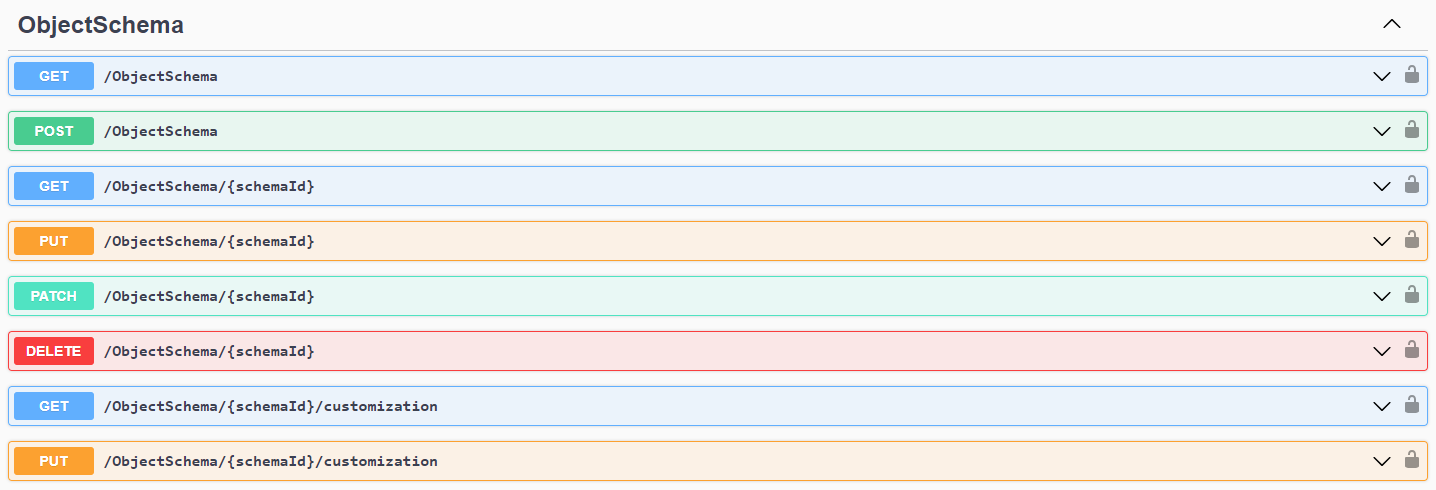
Schema-related API Operations
To upload a new custom schema, use the POST /ObjectSchema operation.
To overwrite an existing custom schema, use the PUT /ObjectSchema/{schemaId} operation.
To perform partial updates on existing custom schemas, use the PATCH /ObjectSchema/{schemaId} operation.
Sidenotes
Make sure your custom schema ID is not conflicting with system schemas. Otherwise, the API will respond with an error when you try to upload your schema modification.
If you want to customize a system schema, you can use the PUT /ObjectSchema/{schemaId}/customization operation.
Be aware that not all aspects of system schemas can be customized.
Schema Reference
- Schema JSON Reference - not yet written
Custom Profile
To add you own profile(s) to Governor, you need to define your profile(s) in JSON notation and upload the JSON definitions to Governor API /Profile endpoint.
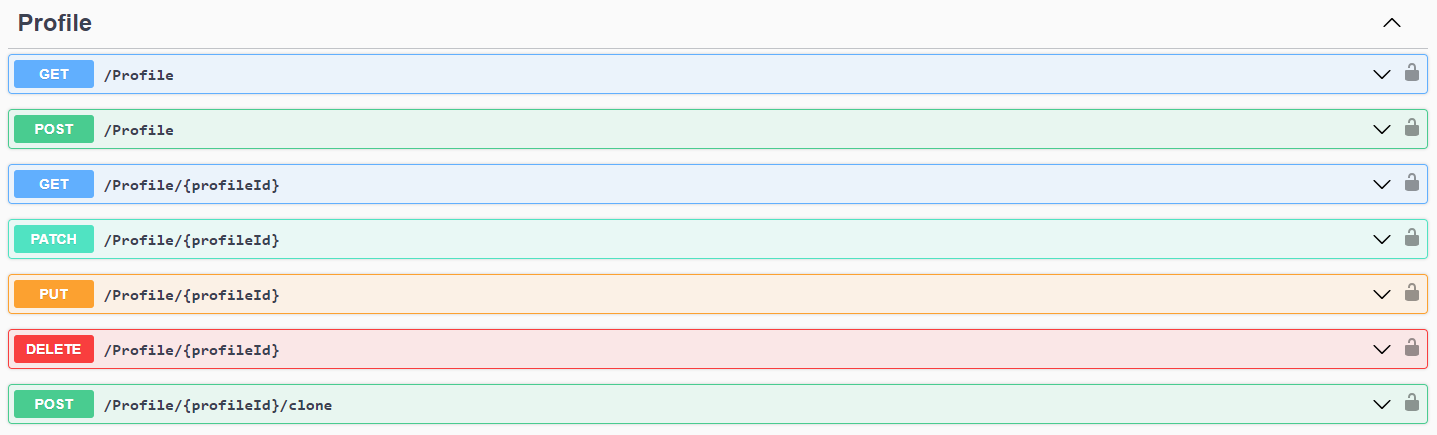
Profile-related API Operations
To upload a new profile, use the POST /Profile operation.
To overwrite an existing profile, use the PUt /Profile/{profileId} operation.
To perform partial updates on existing custom profiles, use the PATCH /Profile/{profileId} operation.
Sidenotes
Make sure your profile ID is not conflicting with system profiles. Otherwise, the API will respond with an error when you try to upload your profile modification.
If you want to customize a system profile, you can use the POST /Profile/{profileId}/clone operation to clone the system profile and then modify that copy.