List observation of Objects Types
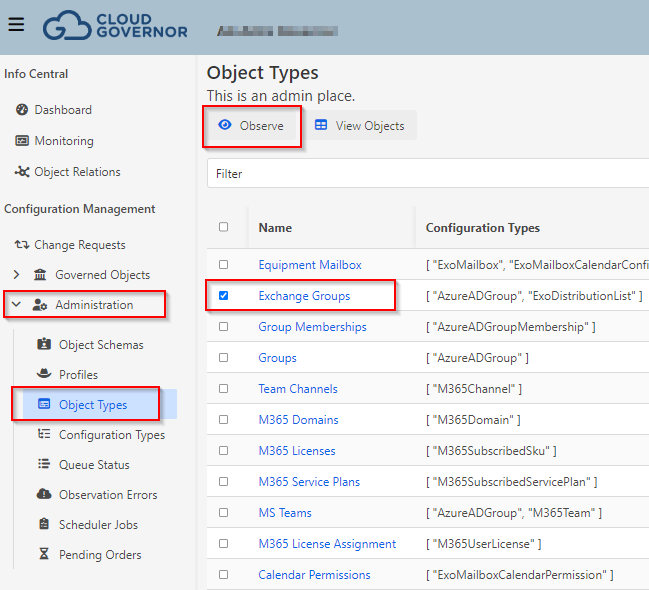
If you want to run a complete list observation for an Object Type, go to Administration-->Object Types, then select the object type you want and click "Observe"
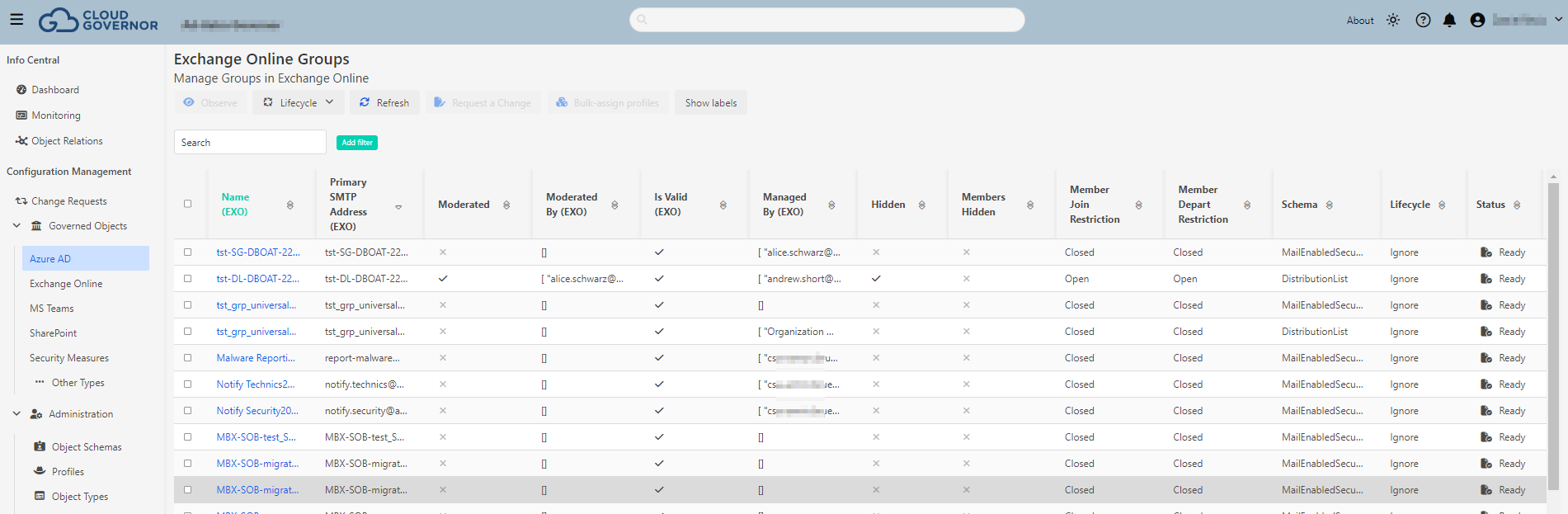
You can check the Result clicking on "View Objects" action. It will redirect the user to the view that contatins these observation results
Observation Queue
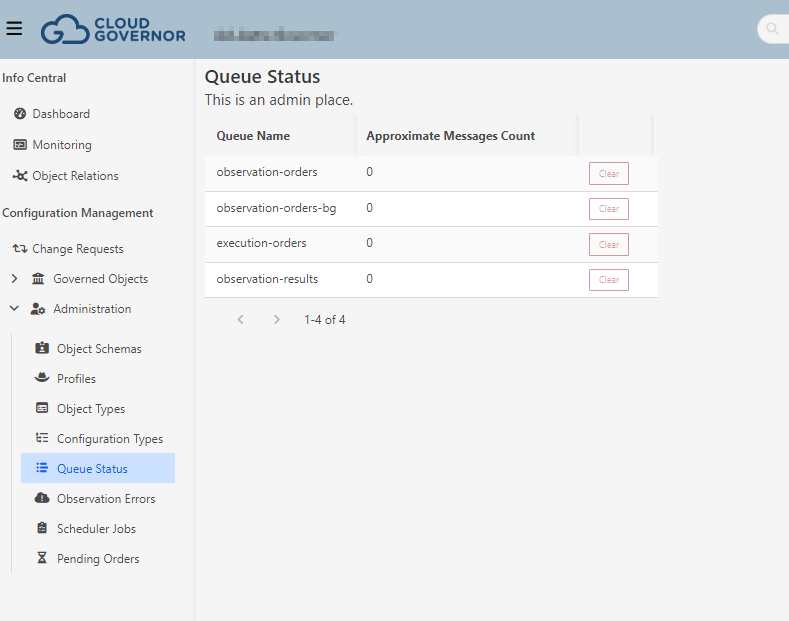
Each time you request an observation or execution, this order is stored in a dedicated Queue where the workers pick them up. You can check the status of the queues going to Administration-->Queue Status
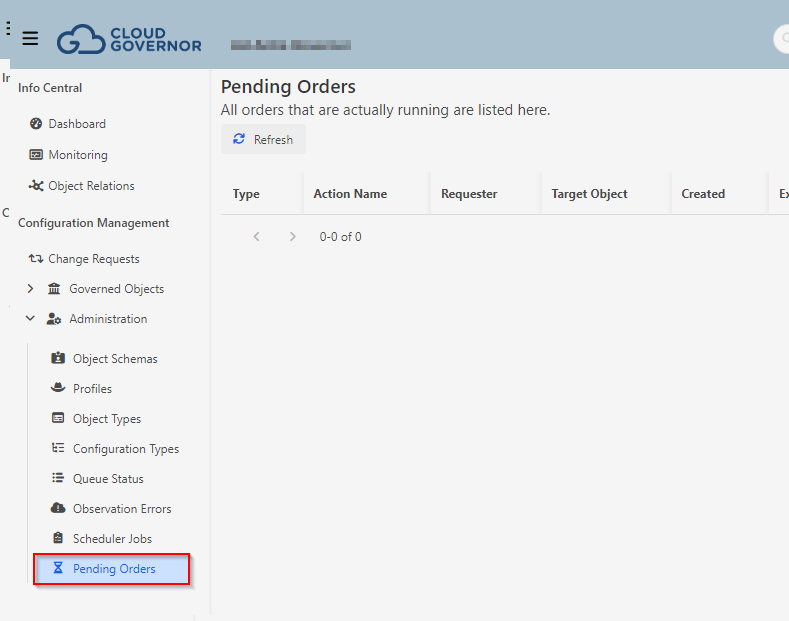
Pending Orders
In Pending Orders view you can see the details about the job orders sent to the Queues.