Run Governor in Remote Tenant Mode
You can deploy Governor in Tenant A and observe Tenant B. This is called Remote Tenant Mode.
To operate Governor in Remote Tenant Mode, you have to tweak some settings and to get the admin consent by a target tenant administrator.
Steps
- Configure Governor to run in Remote Tenant Mode
- Deploy Governor using Terraform
- Get admin consent by target organization
Configure Governor to run in Remote Tenant Mode
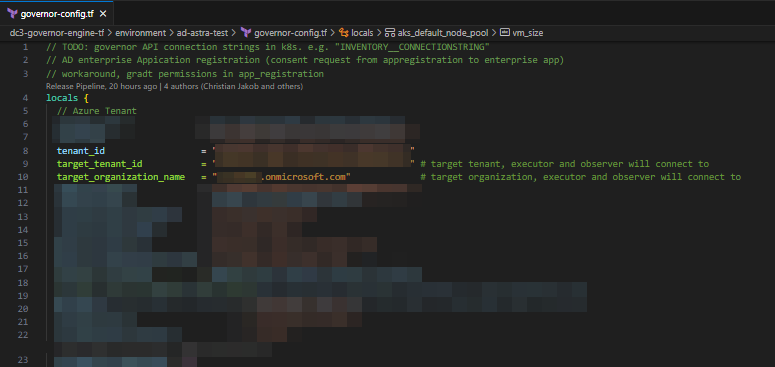
Open file my-governor-tf.git/environment/{ENVIRONMENT_NAME}/governor-config.tf and change target_tenant_id and target_organization_name to point to Tenant B.
Deploy Governor using Terraform
Use terraform plan and terraform deploy to re-deploy Governor.
Get admin consent by target organization
Additional Resources
Following the article, you need to construct two consent URLs, one for observer (...Read.All) and one for executor (...ReadWrite.All).
https://login.microsoftonline.com/organizations/adminconsent?client_id=<Observer-AppReg-Client-ID>
https://login.microsoftonline.com/organizations/adminconsent?client_id=<Executor-AppReg-Client-ID>
To extract the Client IDs, go to Entra ID where Governor is installed and find the AppRegistrations governor-observer and governor-executor and extract their Client IDs.

In our sample the two Consent URLs to get admin consent for Observer and Executor would be:
Observer:
   https://login.microsoftonline.com/organizations/adminconsent?client_id=3a9355ed-fc1e-4717-b5df-c4ca675c9de1

Executor:
   https://login.microsoftonline.com/organizations/adminconsent?client_id=da9bd3cc-0a98-4177-974d-134f2c636918
These links have to be opened in the Browser and approved by a target organization Administrator to allow Governor in Tenant A to access resources in Tenant B.
When you open the link in the browser, you will see a login page. Now, login as administrator of the target organization.
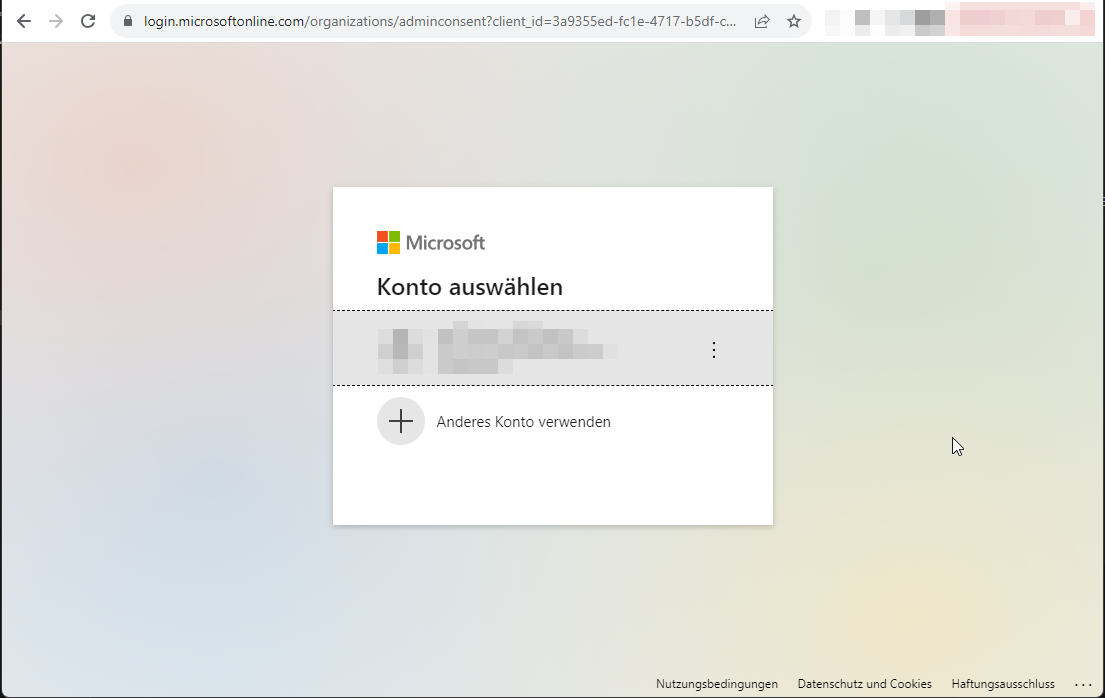
If the login is successful, you will see a consent request.
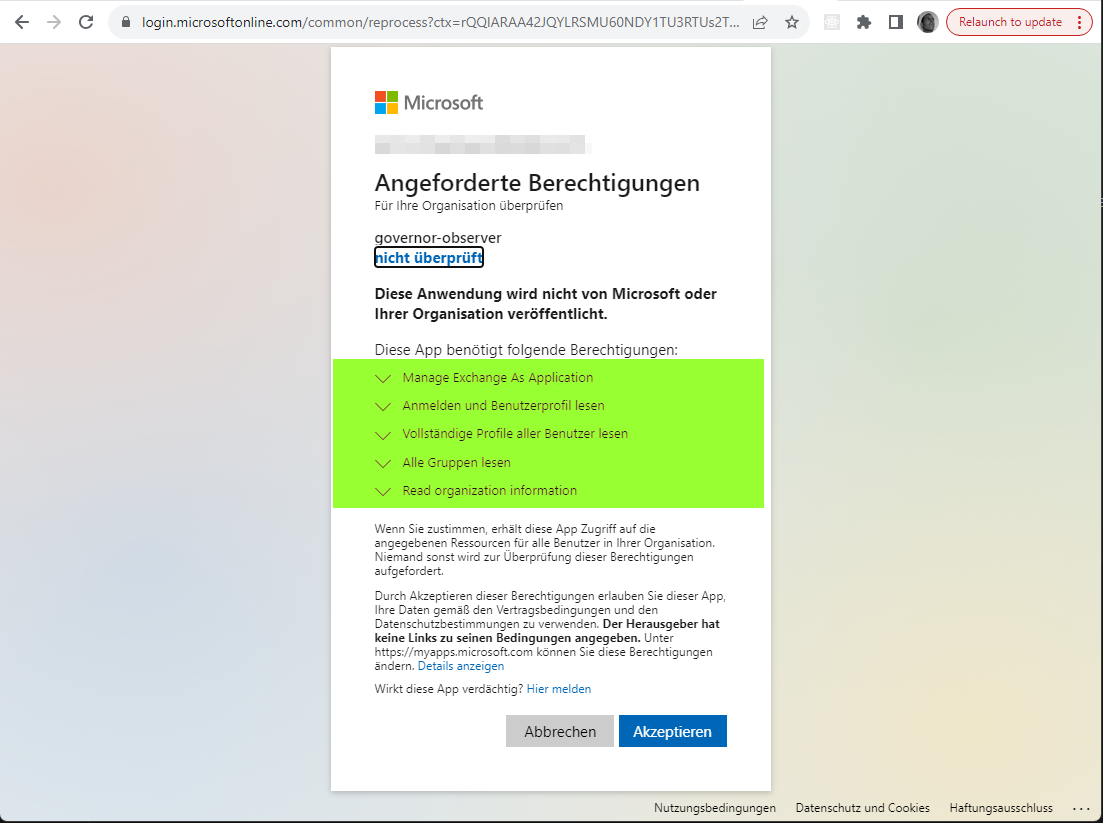
After granting consent you will come to a blank page if everything was fine.
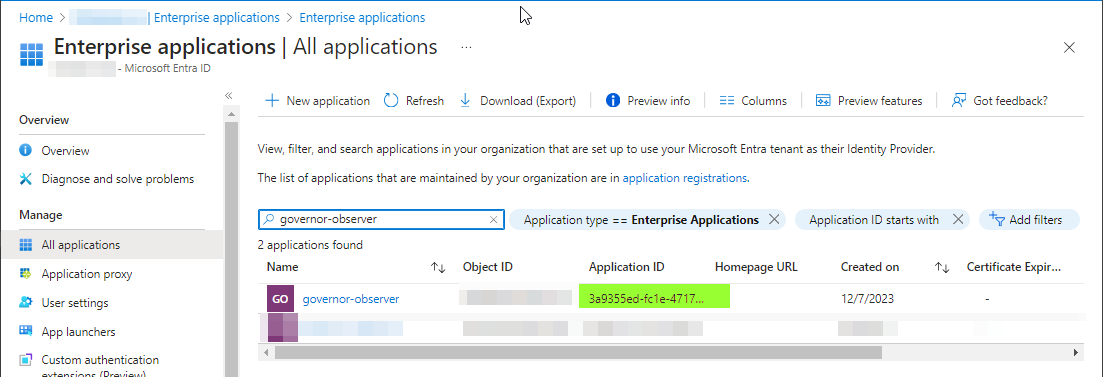
When you go to Entra ID Admin Portal, you will see the new governor-observer application appearing under Enterprise Application.
Appendix: Revoke admin consent in target organization
To revoke the permissions granted by the target organization, you can delete the Enterprise Application from the target organization.
